
Introduction
Git tracks changes in your project and lets you collaborate through branches and merges. You don’t need to know every command—a small set covers most daily work. We'll stick to that set. Git is the standard for version control in software teams; knowing the basics (clone, add, commit, push, pull, branch, merge) is enough to collaborate and revert mistakes. Here are those commands and how to avoid common pitfalls like committing secrets or breaking shared history.
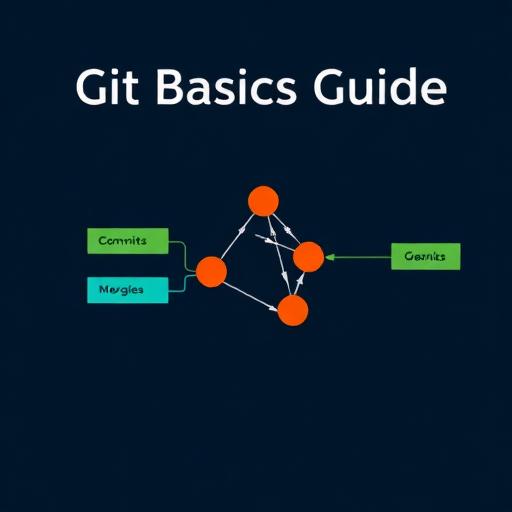
What Is Git Basics Guide
Git is a distributed version control system. You have a repository (repo) with a history of commits. Each commit is a snapshot with a message. You work in a working directory; you stage changes (git add) and commit them (git commit). Branches let you try things in parallel; you merge when ready. Remote repos (e.g. on GitHub) let you push and pull to collaborate.
Why It Matters
Version control lets you revert mistakes, compare versions, and work on features in branches without breaking the main line. It’s the basis for code review and deployment. Knowing the basics (clone, add, commit, push, pull, branch, merge) is enough to work in a team.
How to Calculate It
| Property | Value |
|---|---|
| Hash length (hex chars) | 40 |
| Algorithm | SHA-1 |
| Abbrev min (short hash) | 7 |
Real-Life Example
You start a feature: git checkout -b feature/login. You edit files, git add ., git commit -m "Add login form". You push: git push -u origin feature/login. You open a PR. After review you merge on the site (or git checkout main && git pull && git merge feature/login). Then you push main and delete the branch.
Common Mistakes
Committing secrets or large generated files. Writing vague commit messages. Forgetting to pull before starting work and then having huge merges. Pushing to the wrong branch. Using force-push on shared branches and overwriting others’ history.
Practical Tips
- Commit often with clear messages (what and why, not just “fix”).
- Pull (or fetch and merge) before you start and before you push.
- Use branches for features and fixes; keep main stable.
- Add a .gitignore for build output, dependencies, and secrets.
- Don’t force-push to shared branches; use it only on your own feature branches when necessary.
FAQs
Conclusion
Git basics: clone, add, commit, push, pull, branch, merge. Use branches for work, commit with clear messages, and keep main stable. That’s enough for most day-to-day use.