Introduction
Consistent formatting doesn’t change what the code does, but it makes it easier to read and review. We'll go over practical rules and how to enforce them automatically. One style, one formatter, and suddenly merge conflicts and style debates drop. Pick a formatter, wire it into your workflow, and dodge the usual pitfalls.
What Is Code Formatting Best Practices
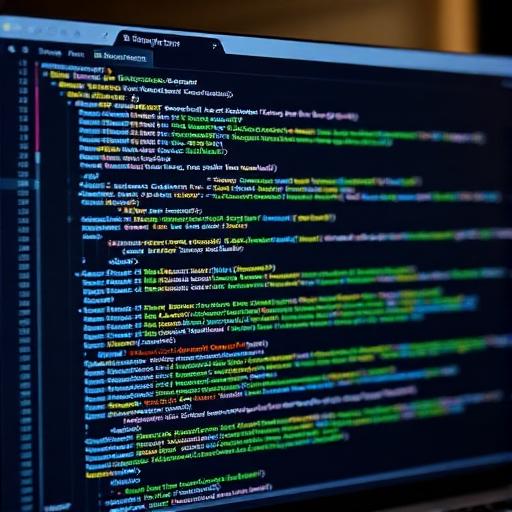
Code formatting is how you arrange whitespace, line breaks, and sometimes capitalization so that structure is clear. It includes indentation, brace placement, line length, and spacing around operators. Many languages have a de facto style (e.g. Prettier for JS, Black for Python); the goal is consistency, not personal preference.
Why It Matters
Inconsistent style causes noisy diffs and arguments in review. Automated formatting removes that: everyone runs the same tool, and the only discussions are about real logic. New contributors can focus on behavior, not style.
How to Calculate It
Real-Life Example
A team uses Prettier with default options. On save, the editor formats the file. Before commit, a husky hook runs Prettier. CI runs Prettier --check; if any file would change, the build fails. Contributors run Prettier --write and push again. No style debates in PRs.
Common Mistakes
Mixing formatters or configs across the repo. Not running the formatter in CI. Making exceptions for “special” files without documenting why. Arguing over minor preferences instead of adopting one standard. Forgetting to format generated code or excluding it from the formatter.
Practical Tips
- Use one formatter per language and run it everywhere (editor, hook, CI).
- Commit formatting in a separate commit or auto-fix in CI so logic and style are easy to review.
- Set line length and other options in a shared config file.
- Document any intentional exclusion (e.g. minified or generated files).
- Onboard new devs with “run the formatter before your first PR.”
FAQs
Conclusion
Automate formatting with one tool per language and run it in editor, hooks, and CI. Consistency beats preference; save review time for logic and design. Revisit the formatter config only when the team agrees on a concrete problem; otherwise keep the tool as the single source of truth for style.